
VCS Tech Essentials
VCS Tech Essentials
Welcome to VCS!
Valley Christian Schools' technology environment is essential for our Quest for Excellence in innovative quality education and a key support system for achieving our guiding principles, standards, and goals, including:
The goal of VCS Tech Essentials is to accelerate your adoption and integration of technology to work, teach, and learn in a digital-age learning environment. Note that you may use other tech tools in your position, so check with your specific team about that!
About this Course
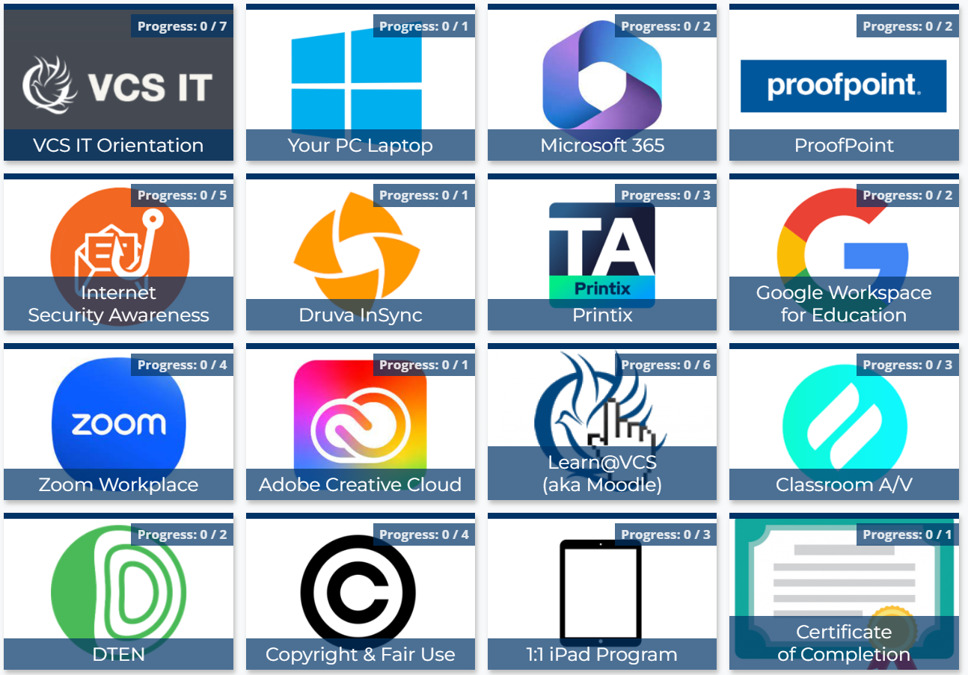
VCS Tech Essentials contains 21 topics and will take 6 hours to complete. Each topic contains informational tasks (things you learn) or procedural tasks (things you will do). You'll be able to complete many of these tasks before school starts and certainly all of them by the time school ends.
Topic 1: VCS IT OrientationTopic 2: Your Laptop (PC, MAC, or Chromebook)
Topic 3: Your iPad (Teachers Only)
Topic 4: Microsoft 365
Topic 5: Internet Security Awareness
Topic 6: Proofpoint
Topic 7: Druva InSync
Topic 8: Printix
Topic 9: Google Workspace for Education
Topic 10: Google Chrome Browser
Topic 11: Zoom Workplace
Topic 12: Adobe Creative Cloud
Topic 13: Canva
Topic 14: AI Tools
Topic 15: Copyright & Fair Use
Topic 16: Traditional A/V Setup
Topic 17: Apple TV
Topic 18: DTEN
Topic 19: BenQ Interactive Board
Topic 20: Promethean Interactive Panel
Topic 21: Troubleshooting Tips
How to Complete this Course
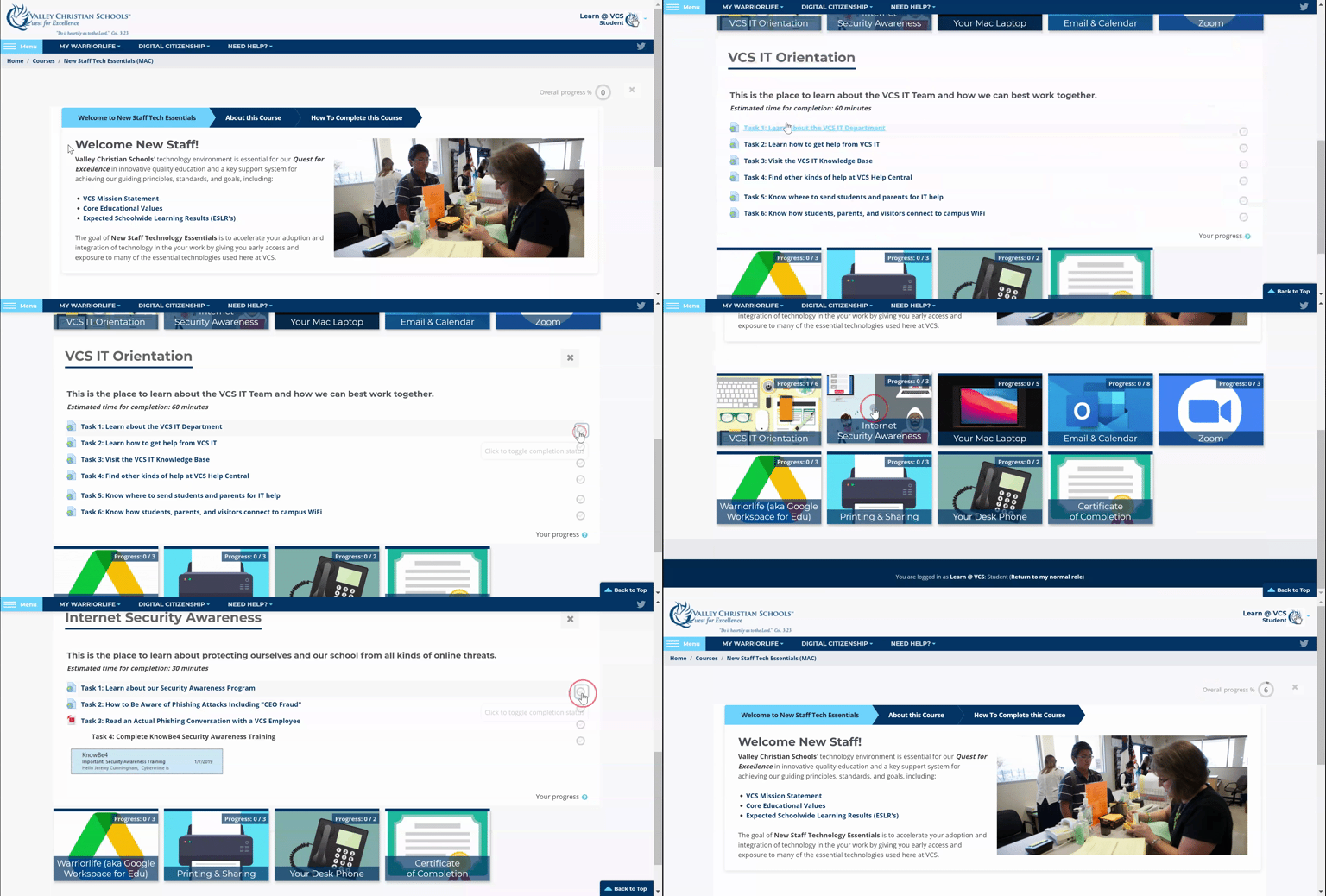
- Have your VCS and Warriorlife accounts handy
- Click on a topic and a task
- Complete the task and check it off
- Repeat until you've checked off all tasks
- Look out for additional resources, too
- Follow the link in the Self-Completion block in the upper left
- Get your Certificate of Completion and 1 Education CEU when you're all done!
-
VCS IT Orientation
-
Your MAC Laptop
-
Your PC Laptop
-
Your Chromebook
-
Your iPad
-
Your Microsoft 365 Account
-
Internet Security Awareness Program
-
ProofPoint
-
Druva InSync
-
Printix
-
Google Workspace for Education
-
Google Chrome Browser
-
Zoom Workplace
-
Adobe Creative Cloud
-
Canva
-
AI in Education
-
Swank Movie Streaming + Copyright in Classroom
-
Traditional A/V Setup
-
Apple TV
-
DTEN
-
BenQ Interactive Display
-
Promethean Interactive Display
-
Troubleshooting Tips
-
Certificate of Completion